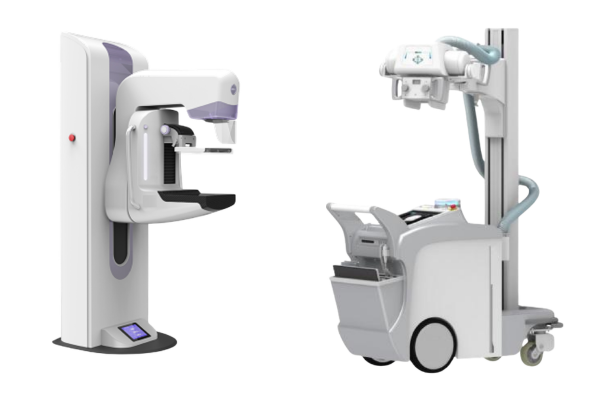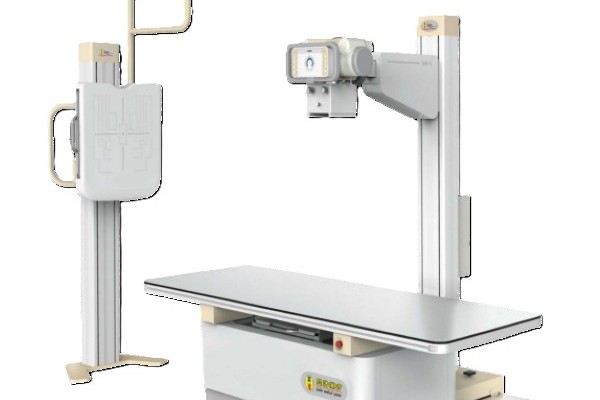
Dynamic digital radiography can integrate with PACS and RIS networks, but actual operational compatibility depends on system interfaces, software configuration, and existing IT infrastructure. A Picture Archiving and Communication System (PACS) handles the storage, retrieval, and display of medical images, while a Radiology Information System (RIS) manages patient scheduling, examination tracking, and department billing. Integrating dynamic digital radiography into these core platforms connects imaging hardware with patient records. This setup streamlines departmental workflows, reduces manual data entry, and ensures that dynamic cine studies remain accessible across the hospital enterprise.
How PACS and RIS Support Radiology Workflows
PACS and RIS platforms serve distinct functions in hospital imaging departments, though they work closely together through shared network interfaces.
- PACS Functionality: Serves as the central repository for image files. It stores multi-frame studies, delivers images to diagnostic monitors, and enables remote physician access.
- RIS Functionality: Coordinates daily administrative tasks. It manages master patient indices, schedules appointments, logs technologist notes, and distributes finalized radiology reports.
Understanding this division of labor is essential. A RIS manages the clinical workflow before and after an exam, while a PACS controls the actual image files generated at the console. Connecting dynamic digital radiography to both systems ensures that image files match patient orders automatically.
Which Standards Enable System Integration?
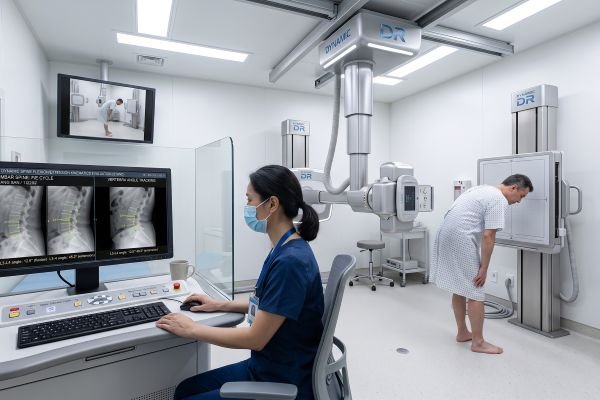
Communication standards allow imaging equipment from different vendors to exchange clinical data reliably.
The primary standard for medical imaging is DICOM (Digital Imaging and Communications in Medicine). Dynamic digital radiography systems rely on DICOM services to query patient worklists, send multi-frame cine loops, and transmit radiation dose structured reports. For demographic data and administrative scheduling, hospitals utilize Health Level Seven (HL7) protocols.
However, basic compliance with DICOM or HL7 does not guarantee seamless plug-and-play functionality. Successful integration depends on how each software vendor implements specific information objects and data mappings. Hospital IT teams must review the vendor’s DICOM conformance statement to verify that the central archive can accept dynamic multi-frame objects without truncating acquisition metadata.
| System / Standard | Primary Role in the Department | Dynamic Digital Radiography Requirement |
| PACS | Image archiving, viewer streaming, and storage management | Must support multi-frame cine series and large file sets |
| RIS | Scheduling, patient registration, and workflow tracking | Provides Modality Worklist to automate study matching |
| DICOM Standard | Medical image formatting and network transmission | Standardizes cine playback data, frame rates, and dose metrics |
| HL7 Protocol | Clinical messaging between administrative databases | Syncs patient status updates and finalized diagnostic reports |
How Dynamic Digital Radiography Images Are Transferred
Transferring dynamic sequences requires more network bandwidth than moving standard static X-ray files.
During an examination, dynamic dr records rapid pulsed exposures, producing a continuous series of frames. The acquisition software packages these images into multi-frame DICOM objects along with essential metadata, including acquisition frame rates, pulse durations, and patient demographics. Technologists query the RIS through a DICOM Modality Worklist, which links the patient record to the study before exposure. Once the exam finishes, the system pushes the dynamic cine series directly to the local PACS archive for radiologist review.
How Does Integration Improve the Radiology Workflow?
Connecting dynamic digital radiography to hospital networks creates a dependable, automated examination process that minimizes clinical errors.
Automated data transfer eliminates manual typing at the X-ray console, preventing misspelled names and mismatched patient identifiers. Once an exam finishes, images upload to the PACS almost instantly, allowing radiologists to view cine loops without physical media transfers. However, dynamic digital radiography files are much larger than conventional single-frame radiographs. Facilities must ensure that local local-area networks and storage servers have sufficient bandwidth to move and store these multi-frame cine loops without causing system delays.
Conclusion
Dynamic DR can integrate smoothly into modern PACS and RIS environments when systems share compatible network standards and appropriate configurations. Successful deployment relies on proper DICOM implementation, reliable worklist synchronization, and sufficient data bandwidth. Healthcare facilities planning to adopt dynamic digital radiography should evaluate IT network capacities and verify vendor software specifications to ensure stable, long-term workflow integration.
Contact our imaging IT specialists today to review DICOM specifications and evaluate dynamic digital radiography network integration for your facility.